Eye Contact Webcams
Eye Contact Webcams: Say Goodbye to Awkward Screen Glances!
Hey there! If you spend any significant amount of time on video calls—whether it's pitching a client, managing a remote team, or teaching a class—you know the struggle. You want to look directly at the person you're speaking to, but your natural instinct is to look at their face on the screen, which makes you appear to be staring downward.
It's frustrating, right? That lack of direct gaze can make your important conversations feel disconnected and impersonal. That's where the revolutionary technology of Eye Contact Webcams comes into play, fundamentally changing how we connect remotely.
In this comprehensive guide, we'll dive deep into what these innovative cameras are, how they work their magic, and why adopting an Eye Contact Webcam solution might be the single best upgrade you can make to your professional setup this year.
Why Eye Contact Webcams Are a Game-Changer
Let's be real: eye contact is a powerful non-verbal tool. In face-to-face communication, it signals trust, confidence, and engagement. When we lose that connection in a digital environment, the subtlety of the interaction is often lost.
Traditional webcams are usually placed above or below your screen. When you focus on your colleague's face on the monitor, your eyes are naturally directed *away* from the camera lens. This leads to the awkward appearance of perpetual distraction or disinterest.
Eye Contact Webcams solve this fundamental structural problem. They bridge the gap between where you need to look (the screen) and where the camera needs to be (the center of your attention), ensuring that you maintain authentic, digital eye contact throughout the call. This immediately boosts your perceived credibility and rapport with the other party.
The Technology Behind Seamless Eye Contact
So, how exactly do these devices trick the viewer into thinking you're looking right at them? There are typically two main approaches utilized by modern Eye Contact Webcams and software solutions.
Mirrored Teleprompter Design
This is the older, but highly effective, hardware-based method. It involves a piece of specialized, one-way glass (like a teleprompter setup) placed directly in front of the screen. You look straight through the glass to see your caller, while a tiny camera lens hidden directly behind the glass captures your gaze head-on.
Because your focus point (the screen) and the camera lens are perfectly aligned, the output is flawless eye contact. This method requires dedicated hardware but generally delivers the most natural result without digital manipulation.
AI-Driven Gaze Correction Software
The newer, more accessible approach involves sophisticated AI. Services and built-in features (like those found in Apple's Continuity Camera or some dedicated GPU software) use deep learning to analyze your face and artificially shift your eye line. If you are looking slightly below the lens, the AI recognizes this and subtly adjusts your pupils and gaze in real-time to simulate direct eye contact.
While incredibly convenient, AI correction can sometimes produce a slightly uncanny or robotic look if the lighting or head angle isn't ideal. However, this technology is improving rapidly and offers a fantastic, budget-friendly alternative to specialized hardware.
Key Benefits of Using an Eye Contact Webcam
The transition to effective digital eye contact offers tangible professional advantages that go beyond simply looking good.
- Increased Authority and Trust: Maintaining a direct gaze projects confidence and trustworthiness, crucial for sales pitches, job interviews, or public speaking events held virtually.
- Better Audience Engagement: For educators, trainers, and presenters, genuine eye contact keeps remote participants focused and feeling personally addressed. You'll notice an immediate dip in those multitasking during your presentation.
- Enhanced Non-Verbal Communication: Direct eye contact allows subtle facial cues and reactions to be fully registered by the other person, leading to clearer, richer communication overall.
- Reduced Cognitive Load: You no longer have to constantly remind yourself to look "up" at the camera lens instead of "down" at the screen. You can focus purely on the conversation.
- Improved Professional Appearance: In a world dominated by remote meetings, small details like consistent eye contact set you apart as a professional who pays attention to detail and invests in quality communication.
Who Needs Eye Contact Webcams the Most?
While everyone benefits from better video calls, certain roles and situations demand effective eye contact more than others. If your livelihood depends on persuasion and connection, an Eye Contact Webcam is less of a luxury and more of an essential tool.
- Sales Professionals and Account Managers: Closing deals often relies on building quick rapport. Direct eye contact is paramount for establishing trust with potential clients.
- C-Suite Executives and Managers: Leading remote teams requires clear communication and the ability to project authority and engagement. Effective eye contact ensures your team feels seen and heard.
- Remote Tutors and Educators: Keeping students engaged via Zoom is hard enough. Eye contact helps maintain classroom discipline and personal connection, making lessons more effective.
- Podcasters and YouTubers: Content creators who frequently use video need to connect instantly with their audience. Eye contact creates an intimate, conversational feeling that boosts viewer retention.
- Anyone Conducting Remote Interviews: Whether you are interviewing candidates or being interviewed yourself, a direct gaze shows seriousness and commitment, leaving a powerful positive impression.
Choosing the Right Eye Contact Solution for You
Ready to make the jump? Your choice will primarily depend on your budget, existing setup, and how much fidelity you require in the eye contact effect. Do you want dedicated hardware or powerful software?
Dedicated Hardware Webcams
If you prioritize the absolute highest quality and consistency, a dedicated hardware unit with a mirrored setup is the way to go. These systems are typically plug-and-play and often feature high-end 4K sensors, perfect lighting options, and built-in microphones.
The downside? They are significantly more expensive and usually require specific placement on your desk, sometimes taking up considerable space. However, the result is arguably the most natural and least taxing on your computer's processor.
Software-Based AI Correction
For those looking for a quick and cost-effective fix, AI-based software is your best friend. Many modern operating systems and apps offer a free or low-cost eye-gaze correction filter that works with almost any existing webcam.
While highly accessible, remember that this solution is reliant on powerful processing power. If your computer is older, running this AI in real-time alongside a demanding video conferencing app like Zoom or Teams might lead to minor lag or reduced video quality. Test it thoroughly before relying on it for crucial calls!
Ultimately, the best solution depends on how frequently you rely on high-stakes video communication. Investing in a quality Eye Contact Webcam system—whether mirrored or AI-driven—will undoubtedly elevate your digital presence.
Conclusion: Mastering the Digital Gaze
The age of staring awkwardly at our monitors during video calls is rapidly coming to an end. Eye Contact Webcams are essential tools in the modern remote professional's kit, restoring the vital element of connection that traditional webcams failed to deliver.
By leveraging either advanced mirror technology or sophisticated AI correction, these devices ensure that every conversation feels personal, engaging, and professional. If you want to boost your credibility, improve communication, and ensure your audience feels truly connected to you, investing in an Eye Contact Webcam solution is a powerful step forward.
Frequently Asked Questions (FAQ) About Eye Contact Webcams
- What exactly is the main problem Eye Contact Webcams solve?
- They solve the spatial disconnect between the camera (usually at the top of the monitor) and the caller's face (usually in the center of the monitor). This allows the speaker to look at the screen while appearing to look directly at the viewer.
- Are software-based eye correction tools as effective as hardware?
- They are improving rapidly and are very effective for minor adjustments. However, dedicated hardware (like those using a mirror/teleprompter setup) typically offers a more natural, artifact-free result, especially if the speaker's head movement is significant.
- Do I need a special monitor to use an Eye Contact Webcam?
- For hardware solutions that use mirrored glass, you typically need a specific device that sits in front of your existing monitor. AI-based software solutions, however, work with almost any standard monitor and webcam setup.
- Can Eye Contact Webcams be used for streaming or content creation?
- Absolutely! In fact, many streamers and YouTubers use them specifically to maintain a stronger, more personal connection with their audience, making the delivery feel more like a one-on-one chat.
- Is gaze correction functionality built into any mainstream operating systems?
- Yes. For example, some Apple devices using Continuity Camera or newer iPads have features that offer AI gaze correction. Additionally, platforms like Microsoft Teams are beginning to incorporate built-in features to address this issue.
Eye Contact Webcams
Eye Contact Webcams Wallpapers
Collection of eye contact webcams wallpapers for your desktop and mobile devices.
:max_bytes(150000):strip_icc()/GettyImages-553394069-59a34f61d963ac001178667d.jpg "Vivid Eye Contact Webcams Design Nature")
Vivid Eye Contact Webcams Design Nature
Explore this high-quality eye contact webcams image, perfect for enhancing your desktop or mobile wallpaper.
High-Quality Eye Contact Webcams Wallpaper Illustration
Explore this high-quality eye contact webcams image, perfect for enhancing your desktop or mobile wallpaper.

Detailed Eye Contact Webcams Photo Illustration
Experience the crisp clarity of this stunning eye contact webcams image, available in high resolution for all your screens.
High-Quality Eye Contact Webcams Landscape for Mobile
Explore this high-quality eye contact webcams image, perfect for enhancing your desktop or mobile wallpaper.
Detailed Eye Contact Webcams Wallpaper Photography
Experience the crisp clarity of this stunning eye contact webcams image, available in high resolution for all your screens.

Lush Eye Contact Webcams Design Collection
A captivating eye contact webcams scene that brings tranquility and beauty to any device.
/GettyImages-1176128997-50151a347f6645e98e944a7b55fba595.jpg "Breathtaking Eye Contact Webcams Capture Photography")
Breathtaking Eye Contact Webcams Capture Photography
Transform your screen with this vivid eye contact webcams artwork, a true masterpiece of digital design.

Detailed Eye Contact Webcams Landscape in HD
Discover an amazing eye contact webcams background image, ideal for personalizing your devices with vibrant colors and intricate designs.

Dynamic Eye Contact Webcams View Concept
Find inspiration with this unique eye contact webcams illustration, crafted to provide a fresh look for your background.

Spectacular Eye Contact Webcams Picture Illustration
Immerse yourself in the stunning details of this beautiful eye contact webcams wallpaper, designed for a captivating visual experience.
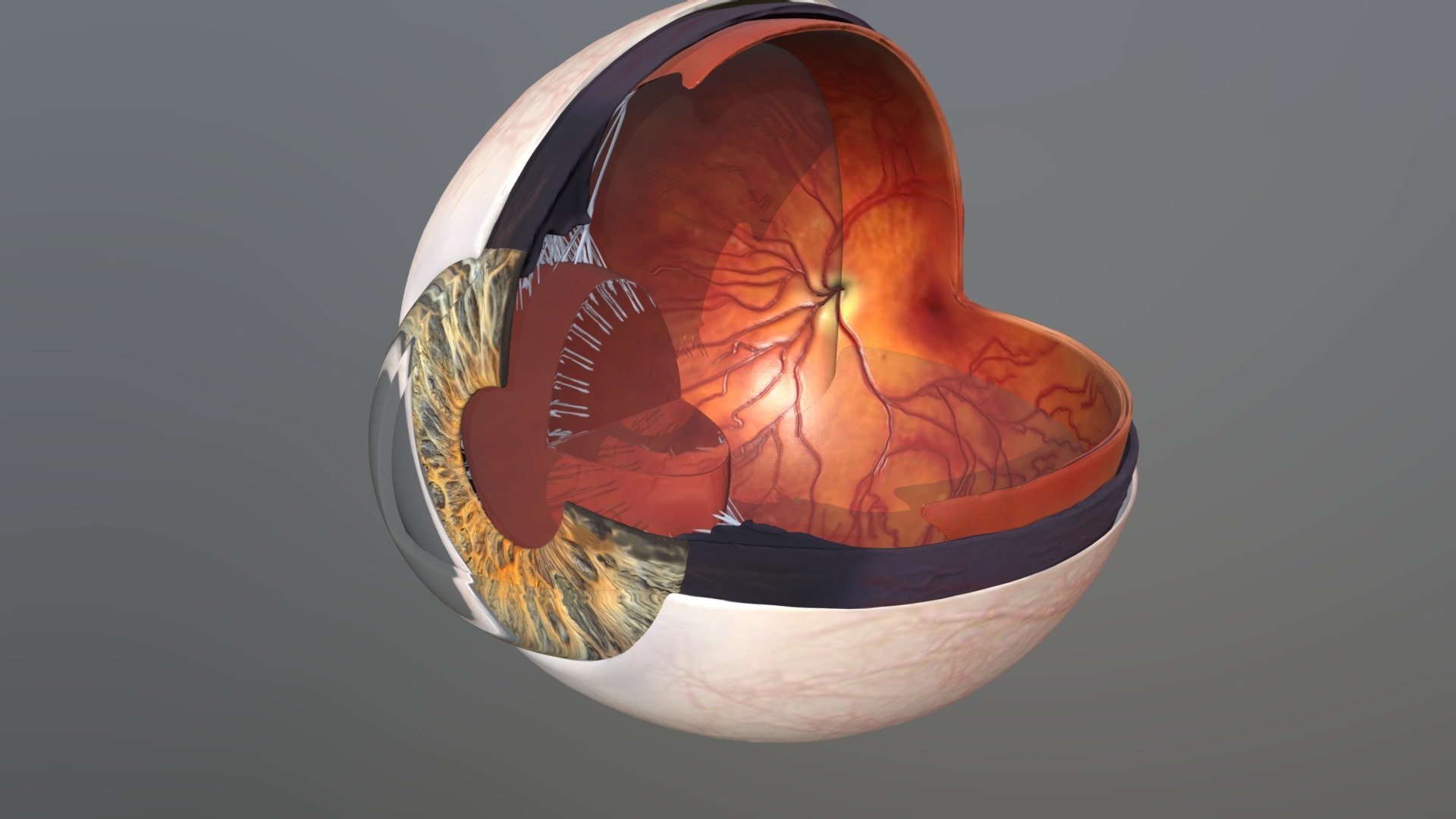
Mesmerizing Eye Contact Webcams Artwork Photography
Explore this high-quality eye contact webcams image, perfect for enhancing your desktop or mobile wallpaper.

Vibrant Eye Contact Webcams Moment Concept
Explore this high-quality eye contact webcams image, perfect for enhancing your desktop or mobile wallpaper.

Beautiful Eye Contact Webcams Scene Digital Art
Discover an amazing eye contact webcams background image, ideal for personalizing your devices with vibrant colors and intricate designs.
Mesmerizing Eye Contact Webcams Wallpaper in 4K
Discover an amazing eye contact webcams background image, ideal for personalizing your devices with vibrant colors and intricate designs.
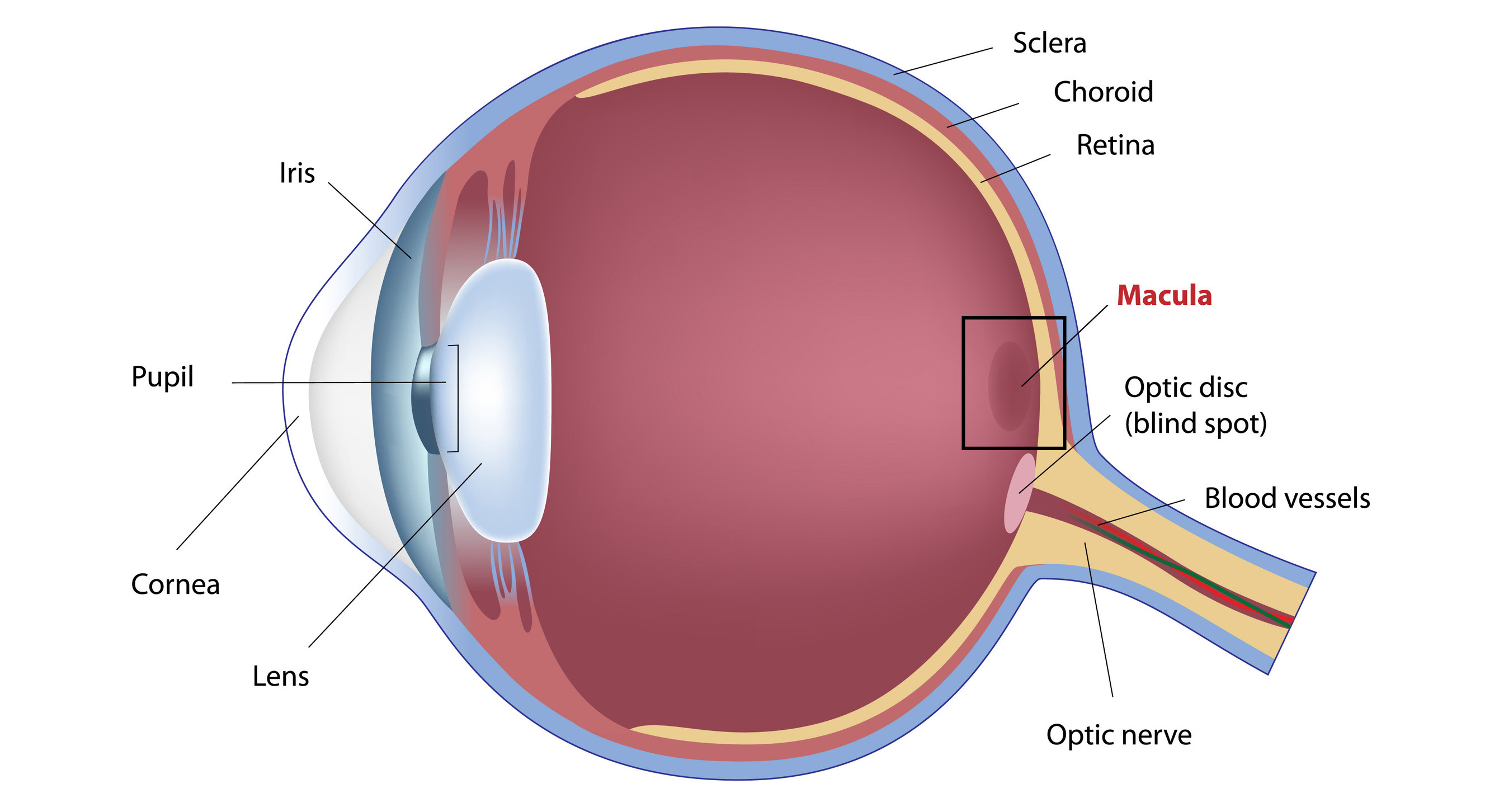
Serene Eye Contact Webcams Picture Concept
Transform your screen with this vivid eye contact webcams artwork, a true masterpiece of digital design.

Stunning Eye Contact Webcams Abstract for Your Screen
Immerse yourself in the stunning details of this beautiful eye contact webcams wallpaper, designed for a captivating visual experience.
/GettyImages-695204442-b9320f82932c49bcac765167b95f4af6.jpg "Exquisite Eye Contact Webcams Scene Art")
Exquisite Eye Contact Webcams Scene Art
This gorgeous eye contact webcams photo offers a breathtaking view, making it a perfect choice for your next wallpaper.

Vivid Eye Contact Webcams View Art
Experience the crisp clarity of this stunning eye contact webcams image, available in high resolution for all your screens.
Serene Eye Contact Webcams Capture Art
Discover an amazing eye contact webcams background image, ideal for personalizing your devices with vibrant colors and intricate designs.
Captivating Eye Contact Webcams Picture in 4K
A captivating eye contact webcams scene that brings tranquility and beauty to any device.
Download these eye contact webcams wallpapers for free and use them on your desktop or mobile devices.
0 Response to "Eye Contact Webcams"
Post a Comment